PlantPredict vs PVsyst: Why PlantPredict Is the Best Utility-Scale Solar Design Software for the Future
In recent years, utility-scale solar projects have become increasingly complex, requiring precise energy predictions, efficient modeling workflows, and the ability to analyze multiple scenarios at once. For years, PVsyst has been the go-to tool, but as solar portfolios expand and workflows get more intricate, PlantPredict is emerging as the solution of the future. It simplifies design, automates simulations, and helps teams work smarter.
The Utility-Scale Gap: Where Legacy Tools Fall Behind
PVsyst has been a go-to tool for solar engineers for quite some time for a variety of solar projects. However, that doesn't necessarily mean it's the quickest or most straightforward option for utility-scale solar. Its desktop-based setup can really slow teams down, particularly when they're running complex simulations across multiple scenarios. Additionally, sharing data between colleagues must be done manually with hazardous hand-offs. On top of that, the desktop nature of PVsyst prevents the creation of company-wide automated workflows to manage designs and simulations.
That's where cloud-based tools like PlantPredict come in handy. Since PlantPredict operates from the cloud, you can quickly process massive datasets, easily explore different scenarios, and set up custom workflows. Hence, PlantPredict unlocks the speed and scale required to enable the sustained growth of the utility-scale PV industry.
What Are the Differences Between PlantPredict and PVsyst?
1. Platform Architecture & Deployment
Feature
PlantPredict
PVsyst
Deployment
PlantPredict is a cloud-based SaaS application that works with any browser. It does not need traditional software installation or updating, making it ideal for remote teams and scalable operations. It can run on any modern operating system.
PVsyst is designed to run exclusively as a desktop application on Windows, which means you need to install it locally. This setup can limit how easily you can access it and collaborate compared with modern cloud-based platforms.
Version Control
PlantPredict rolls out software updates every two to three weeks, ensuring users get the latest features and bug fixes automatically, without manual installations. Each prediction is tagged with the version of PlantPredict that was used to create it, meaning that a new version of the software does not affect older predictions.
PVsyst requires users to manually download and install updates, which can lead to version mismatches across teams. Hence, users with different versions installed on their local computers may obtain different results (e.g., energy yields) from the same input files.
Cost
PlantPredict offers free basic energy predictions and layouts. However, there are fees for full access to the PlantPredict solar energy modeling engine and Performance API. Multiple subscription tiers and options are available depending on your needs and expected use. To learn more, check out PlantPredict pricing.
PVsyst provides a 30-day trial for full access to its software. After this period, licenses can be purchased at a cost. To learn more, visit PVsyst pricing.
2. Modeling Capabilities
Feature
PlantPredict
PVsyst
Time Granularity
Matches the time granularity of the input weather file (hourly or sub-hourly, sub-year, year, multi-year)
Down to 1-minute time step resolution
Hourly timestamps
Statistics-based sub-hourly clipping correction available
Sub-hourly weather files averaged to hourly inputs
Irradiance Models
Transposition: Perez (default) or Hay-Davies, different sets of coefficients available for Perez model
Decomposition: DIRINT (default), Erbs, or Reindl
Retro-transposition: GTI-DIRINT
Transposition: Perez (default) or Hay-Davies, Perez coefficients not published
Interpolation is available for additional speed-up
Bay-level transposition
Bay-, partition-, or cell-level shade modeling (comparatively slow polygon-clipping algorithm)
System-size limit (5 MW) for cell-level shade modeling
Shade engine accepts external objects
Interpolation needed for practical simulation runtime above 50 MW
Tracking Algorithms
True tracking
Standard backtracking
Terrain-aware backtracking
Diffuse optimization: proprietary or Array Technologies algorithm
Wind stow: proprietary or Array Technologies algorithm, both based on wind gust
True tracking
Standard backtracking
Diffuse optimization: proprietary
Wind stow: proprietary based on hourly wind speed
Electrical Effect of Shade & Mismatch
Step fractional model for shade on c-Si modules
Linear model for effect of shade on thin-film modules
Module mismatch factor defined at the module level and applied as a constant loss to DC field
Cell-level electrical effect of shade (including bypass diodes) available for systems < 5 MW
For larger systems, partition model for effect of shade on c-Si modules
Linear model for effect of shade on thin-film modules
Statistical tool to estimate module and string mismatch
Inverter Efficiency Model
Sandia National Laboratory inverter efficiency model
Quadratic interpolation between voltage-dependent efficiency curves
Temperature Models
Modified Faiman heat balance (default)
Sandia temperature model
NOCT model
Limited to modified Faiman heat balance
Soiling
Specific Yield (kWh/kWp)
Annual or monthly loss factors (default)
Specific yield down to timestep resolution when defined in the weather file or with third-party integration
Third-party integrations with Fracsun (monthly soiling factors) and PVRADAR (daily soiling factors and cleaning schedule)
Limited to annual or monthly loss factors
3. API, SDK, and Automation Capabilities
Feature
PlantPredict
PVsyst
API Access
The PlantPredict API provides developers with seamless access to project data and simulation tools, enabling both workflow automation and integration. Get started with the API Quick Start Guide, or open the collection directly in Postman.
PVsyst does not provide a public API. However, it does offer limited automation features through its command-line interface (PVsystCLI). PVsystCLI documentation can be found at pvsyst.com/help-cli.
SDK Availability
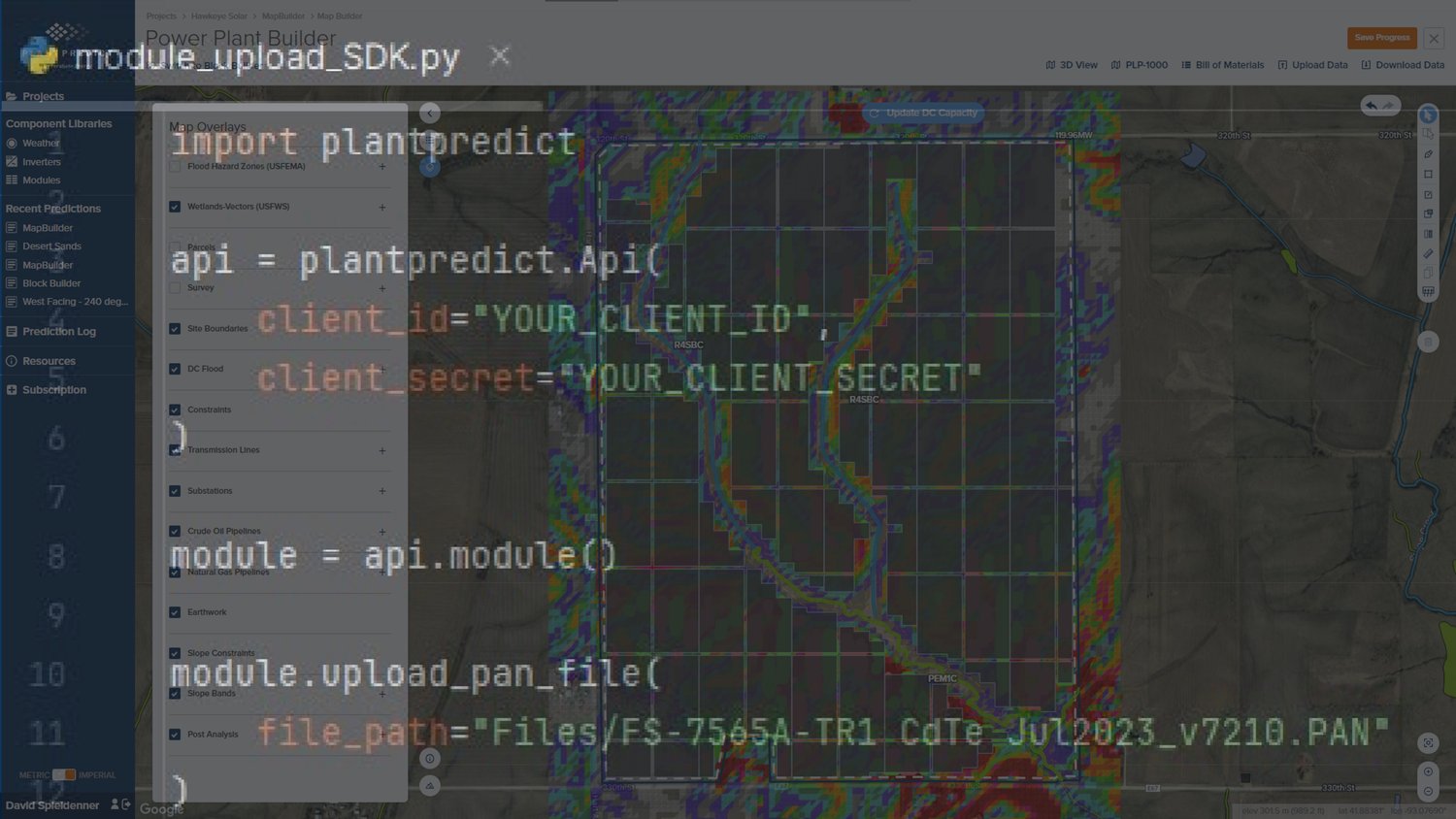
PlantPredict's Python SDK is available on GitHub and PyPI, which makes package installation straightforward (pip install plantpredict). Follow the Python SDK Quick Start Guide to script batch jobs, customize workflows, and connect with other platforms to fit your needs.
PVsyst does not offer any SDK, limiting its functionality in automated or programmatic environments and curtailing its ability to interact with other platforms or tools.
Batch Prediction
PlantPredict lets you run multiple scenarios automatically directly through the web interface thanks to its batch-processing capabilities. Batch processing can also easily be organized and run from the API or SDK.
PVsyst offers batch predictions within the software itself and through its PVsystCLI tool.
4. Use Case Comparison
Use Case
PlantPredict
PVsyst
Utility-Scale PV Power Plant
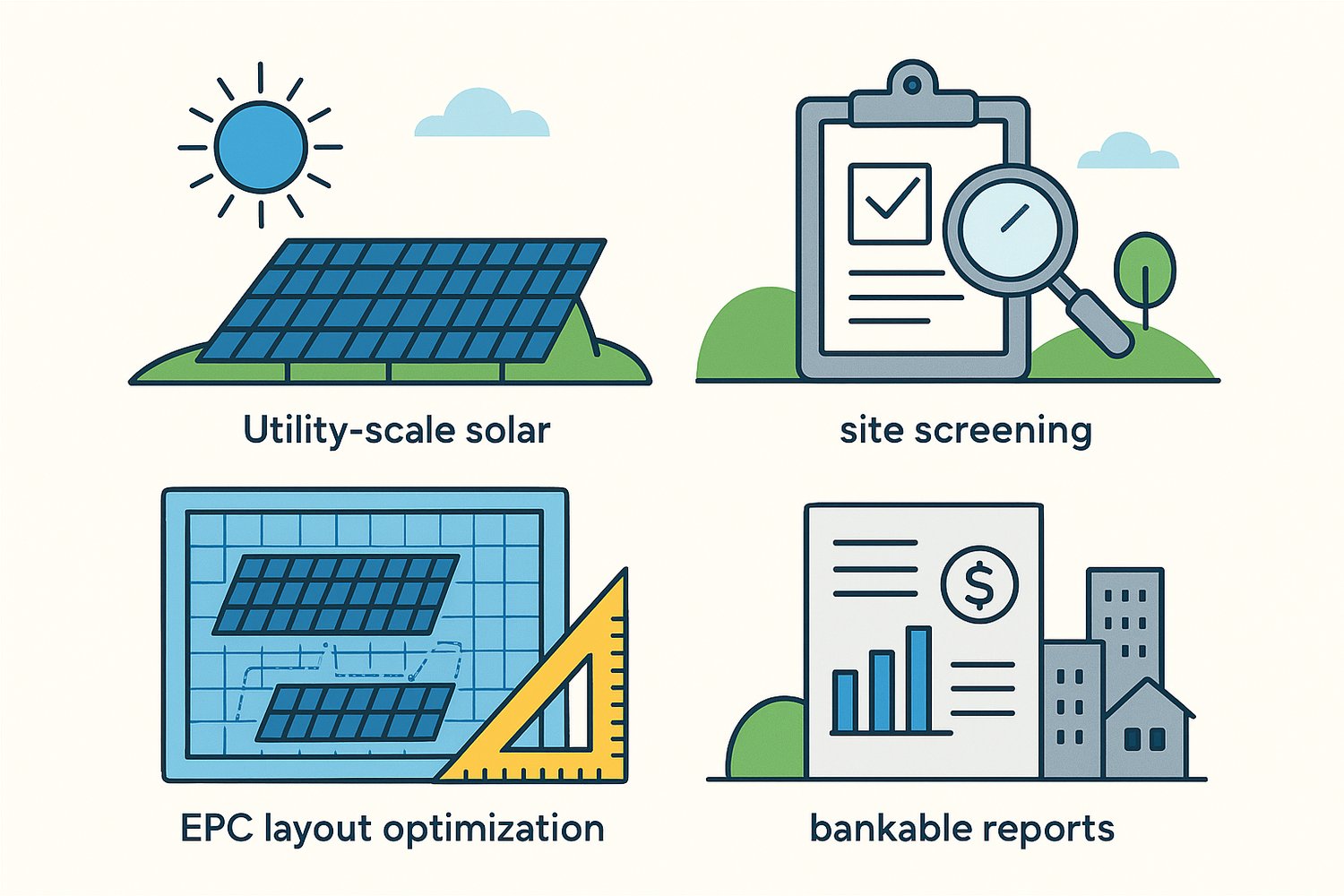
PlantPredict is a cloud-native software platform specifically designed to model utility-scale photovoltaic power plants with a high level of accuracy. It can model a single site or batch-process multiple sites or scenarios for screening.
PVsyst is a Windows-based desktop application designed for general modeling of photovoltaic systems. It can model utility-scale solar power plants as well as residential and commercial projects.
Site Screening
PlantPredict's cloud architecture enables faster yield simulations, especially for large-scale power plants and 3D modeling, and its API allows screening multiple sites or configurations for a given site.
PVsyst needs manual input for each site, which can slow down the screening process when working with multiple locations or configurations. This can be streamlined through its CLI extension.
Layout Optimization
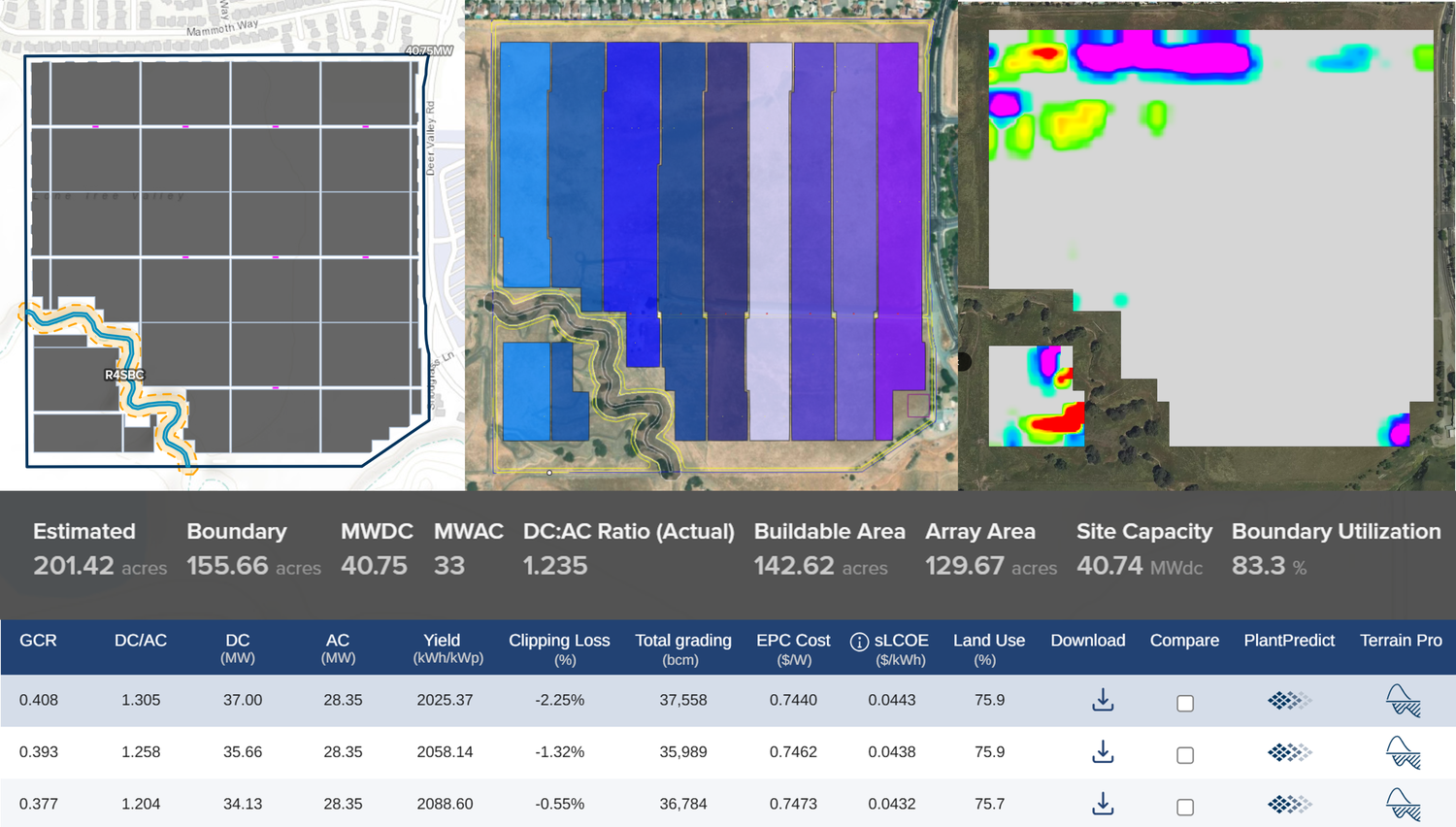
PlantPredict enables sub-hourly modeling and detailed loss analysis, helping developers and EPCs fine-tune layouts for improved energy yield and cost efficiency. Its extension tools — Design Pro, Terrain Pro, and Voltage Pro — automate the layout optimization process (string length, earthwork, tracker selection, etc.).
PVsyst provides thorough layout modeling, but it falls short on sub-hourly resolution and lacks automation for iterative design processes. Advanced power plant layouts must be constructed manually.
Bankable Reports
PlantPredict produces investor-grade reports that are supported by validation studies and benchmarking against operational plants.
PVsyst is widely recognized as the industry standard for bankable reports for utility-scale solar.
PlantPredict: More Than Just an Energy Yield Software
PlantPredict is much more than just a tool for energy yield modeling for utility-scale solar plants. It offers a dynamic ecosystem that empowers engineers to address various aspects of utility-scale solar design from a single cloud platform. Some of the most commonly used tools are Design Pro, Terrain Pro, and Voltage Pro.
With Design Pro, you can create optimized layouts for complex sites while accounting for key factors, including site constraints, target DC, Ground Cover Ratio (GCR), and DC:AC Ratio.
With Terrain Pro, you can estimate earthwork quantities for various scenarios, helping you decide whether you should go for Terrain-Following or Standard Trackers.
With Voltage Pro, you can maximize string sizing while ensuring your system operates safely and efficiently.
And that's just the beginning — PlantPredict is continually evolving, adding new features to enhance the modeling of utility-scale solar projects.
Ready to futureproof your modeling workflow?
Join hundreds of organizations that trust PlantPredict for bankable energy predictions. Start with a free account, get a free trial of Pro features, or book a demo with our team.